IEC 62443 IT and OT teams
Design IEC 62443 zones and conduits
By Aldo Campi, co-founder and CEO of Stoorm5 · White paper published 31 October 2024
Download the white paper (PDF, 14 pages)Draw your zones with an expert
A security zone is a logical or physical area of an industrial control system that groups assets with the same security needs, under its own rules. A conduit is the communication path between two zones, physical or virtual, protected by its own measures. Together they limit how far an attack can spread, so a compromised zone stops one part of the process, not the plant.
See the zones of one production line
One line, its local PC and the four zones it talks to, inside two larger layers.
North-South traffic Field to central services: control. East-West traffic Device to device: block or control
- North-South goes between the field and central or external services. Control it with perimeter firewalls, DMZs, VPNs and role-based access.
- East-West goes between devices at the same level, often inside one VLAN. Attackers use it to move sideways and raise their privileges.
Create the zones in seven steps
- Identify the critical resourcesMachines, automation systems, databases, servers and the processes that depend on them.
- Analyse the riskThreats and vulnerabilities that can hit those resources, with their impact and likelihood.
- Define the zonesSplit the network into logical or physical zones by function, criticality and sensitivity.
- Write the policiesAccess control, credential management and monitoring rules for each zone.
- Put the measures in placeFirewalls, intrusion detection, access controls and segmentation rules on the switches.
- Test and validateCheck that every measure works and that critical resources are protected.
- Monitor and maintainKeep the zones in line with changes in the plant and with new threats.
Protect the critical processes and assets first. The rest can share zones without specific protection, as long as a compromise there does not touch operational continuity or operator safety.
Read the traffic matrix of Line 1
Inside ZONE LINE 1 the line and its local PC talk freely. Everything that leaves the zone needs a row in the matrix. Anything else is blocked.
| From | To | Allowed traffic |
|---|---|---|
| ZONE LINE 1 | ZONE MAINTENANCERemote VPN | RDP, SSH, HTTP |
| ZONE LINE 1 | ZONE APPLICATION SERVEROT service | Printer, shared folder, NTP |
| ZONE LINE 1 | ZONE SCADARemote SCADA | OPC UA, ICMP |
| ZONE LINE 1 | ZONE IT SERVICEIT service | DNS, HTTP |
Source: the white paper, table 1. A matrix between zones is much shorter than a matrix between devices.
Add layers, then open them when production needs it
The white paper wraps the zones in two layers: ZONE PRODUCTION LINES (the lines and their local services) and ZONE PLANT (the lines and all OT services). Each inner zone can then be switched off on purpose, while the outer layer keeps protecting.
Let all lines talk and allow remote maintenance
Switch off ZONE LINE 1, ZONE LINE 2 and ZONE MAINTENANCE. Traffic inside ZONE PRODUCTION LINES is free. External traffic stays protected.
Let all field devices talk
Switch off every OT zone. The plant communicates freely. External protection stays on.
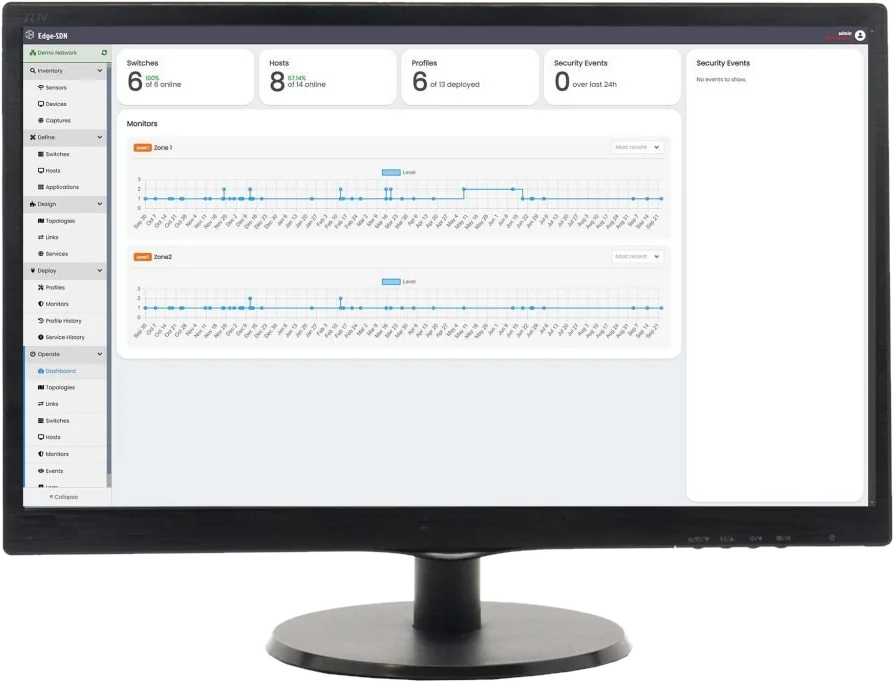
In Edge SDN each of these is a profile. IT designs it in advance. OT switches it on from a tablet and off again with one tap, with a log of who did it and when. See the profiles
Avoid five common mistakes
- Grouping assets by type instead of by process, for example all the PLCs of one vendor in one zone.
- Leaving IT assets inside OT zones, such as an office PC on the corporate domain next to a production line.
- Drawing zones only around today's vulnerabilities. The result is fine-grained, hard to maintain and changes with every scan.
- Leaving boundaries vague, so policies overlap or parts of the process sit in no zone at all.
Read the full white paper
The 14 pages add the reference architecture, best practice for grouping assets and the layered "onion" model. Part 3-2 of the ISA/IEC 62443 series is the reference for partitioning a system into zones and conduits.